Lamp & Light app icon

Lamp & Light

“Thy word is a lamp unto my feet, and a light unto my path.”

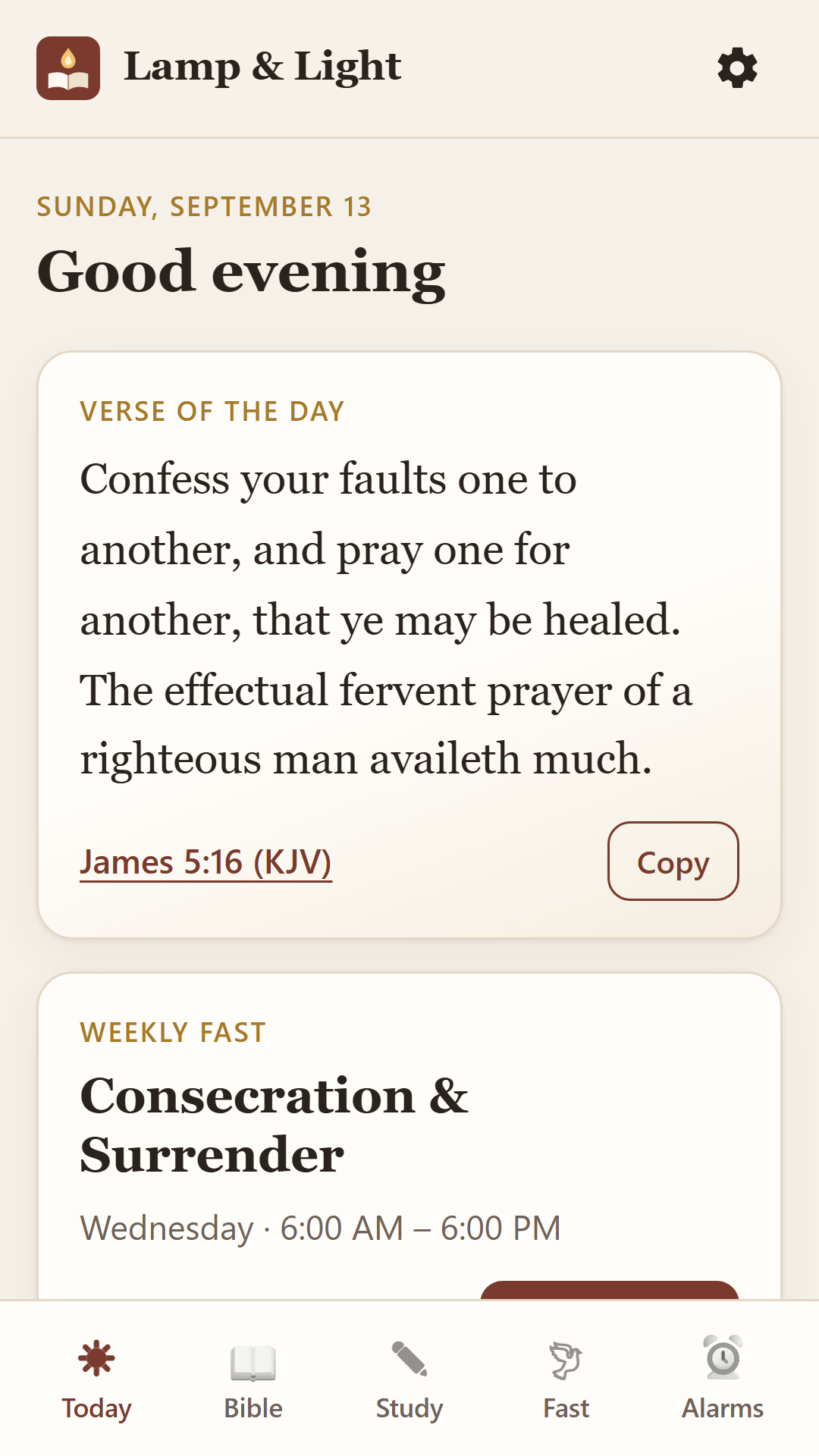
A free Bible app for daily Scripture and reading plans, weekly Bible study, and a weekly day of fasting and prayer, with reminders to keep you faithful.

Free · No ads · No account · Works offline · Android 7 or newer

What's inside

Everything for a steady walk with God

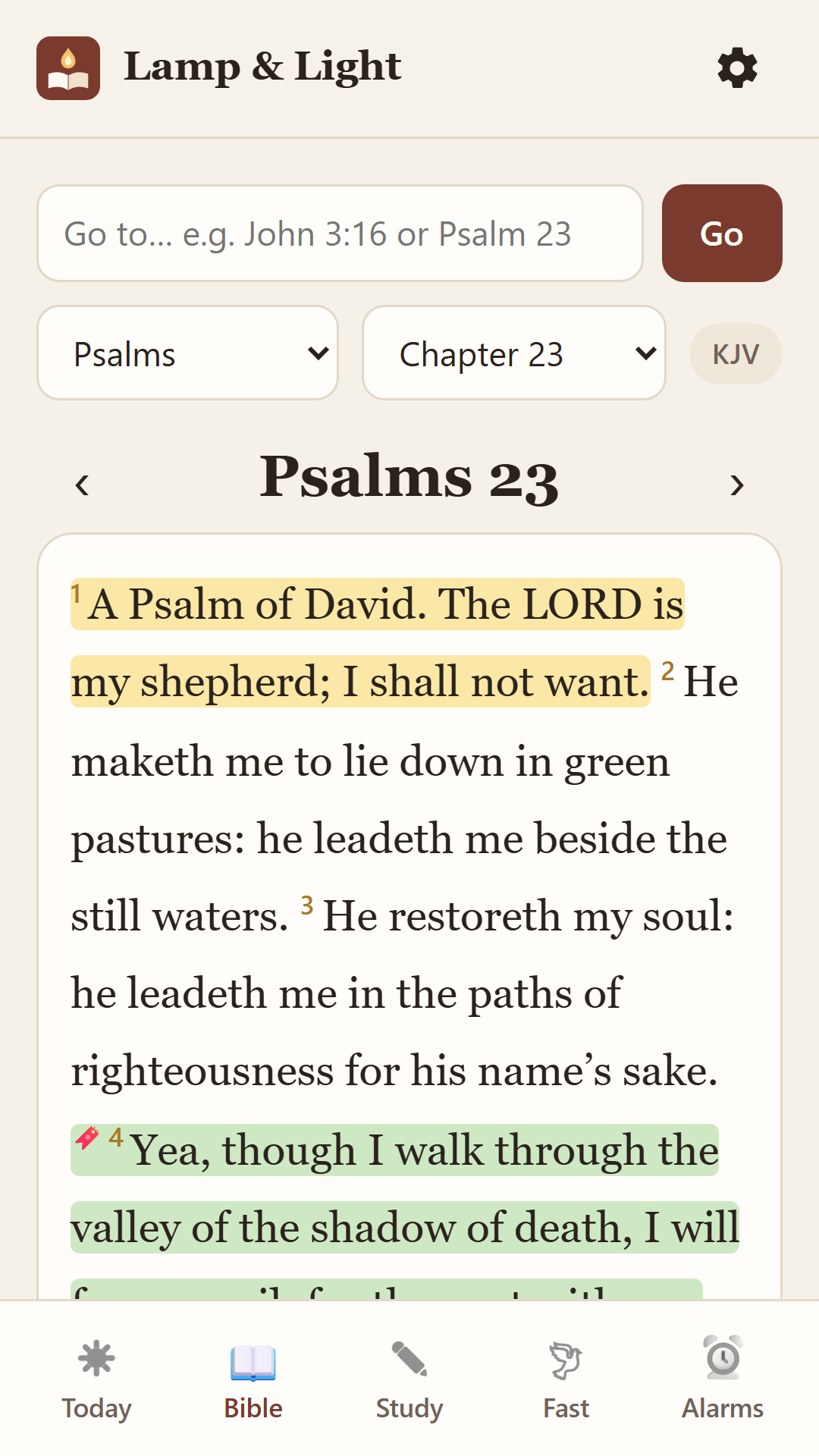
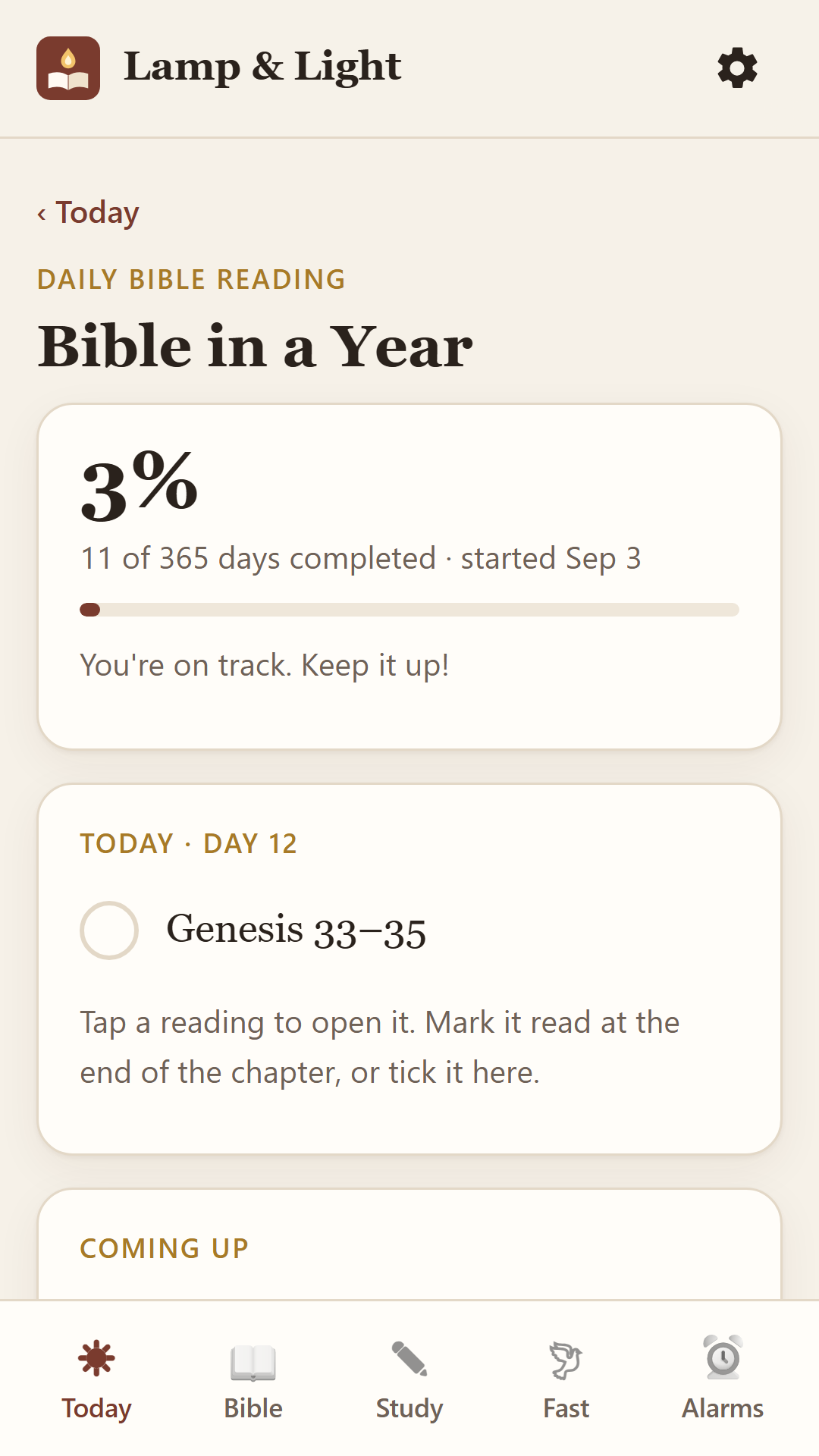
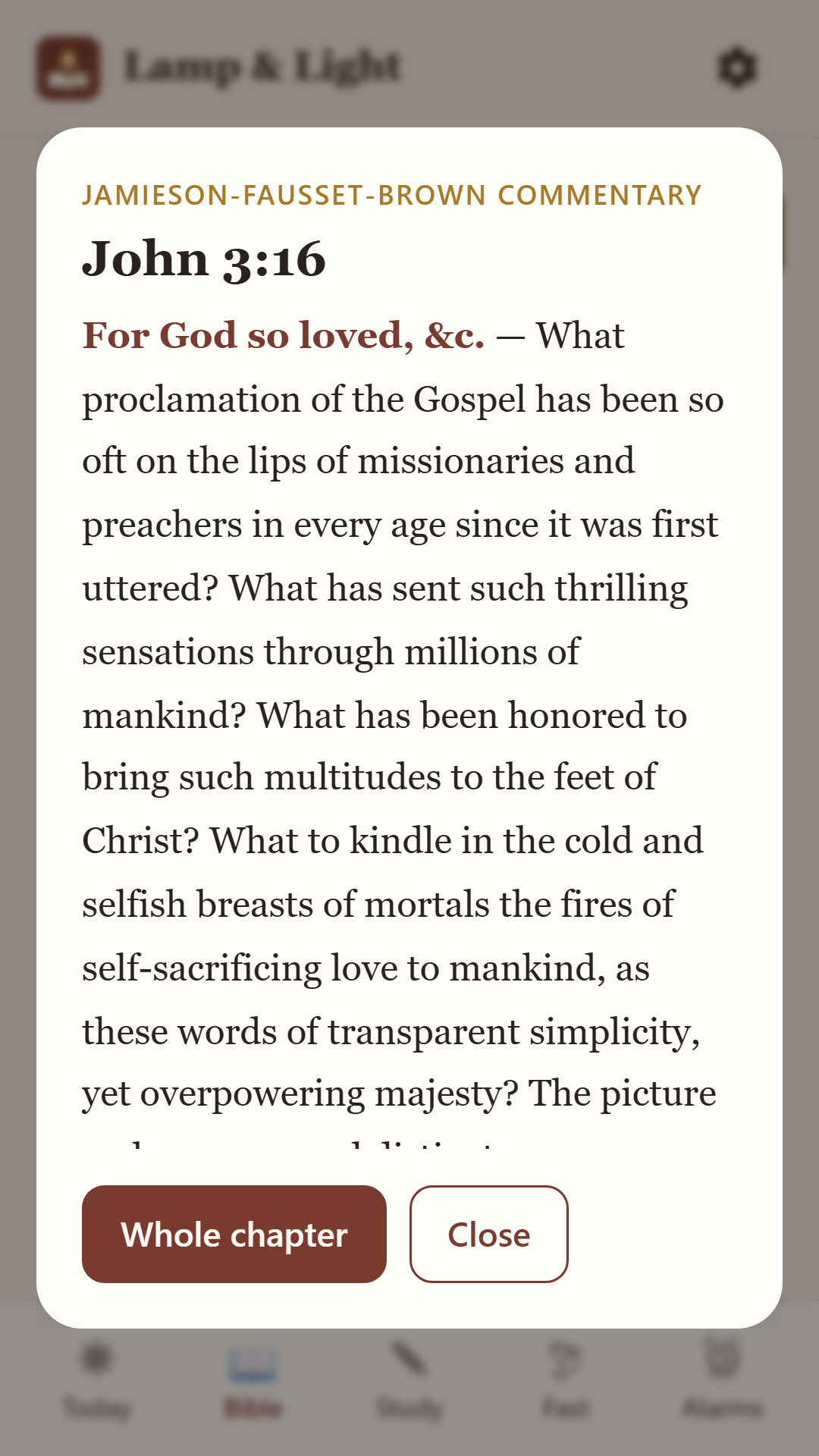
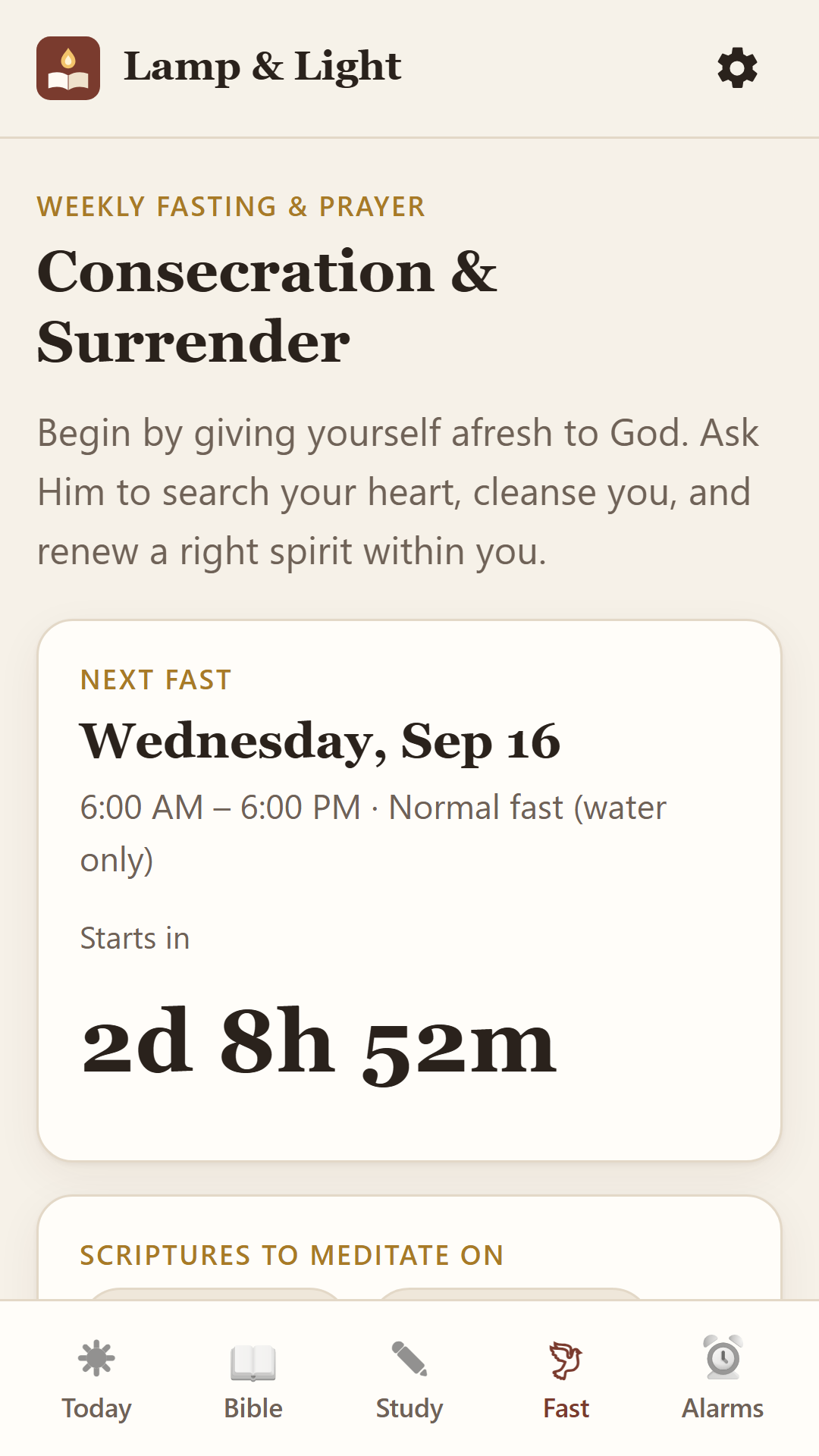
Today screen with verse of the day and weekly fast Bible reader showing Psalm 23 with highlights Bible in a Year reading plan progress Jamieson-Fausset-Brown commentary on John 3:16 Weekly fasting guide with countdown
📖

Complete Bible, offline

KJV and World English Bible. Search any verse, highlight, bookmark and keep notes.

🔊

Audio Bible

Tap Listen to hear any chapter read aloud, verse by verse, while the text highlights along.

📅

Daily reading plans

Pick any book to read a chapter a day, with a reminder naming your chapter, or follow Bible in a Year and more.

💬

Bible commentary

Jamieson-Fausset-Brown notes on every book. Tap any verse to see what it means.

🤝

Share & read together

Send verse pictures and daily readings to WhatsApp, and invite friends to read the same plan each day.

✏️

Weekly Bible study

A new lesson each week: read, reflect, apply and pray, with your own journal.

🕊

Fasting & prayer guide

A prayer focus every week, scriptures, prayer points, an hour-by-hour plan and a countdown.

Reminders

Morning and evening prayer, plus alerts when your fast begins and ends.

Get the app

Install in under a minute

🤖 Android phones

  1. Tap Download for Android below.
  2. If Chrome warns about the file, tap Download anyway.
  3. Tap Open when the download finishes.
  4. If asked, allow Install unknown apps for Chrome, then go back.
  5. Tap Install. If Play Protect asks, choose More details › Install anyway.
Download for Android (10 MB)

The warnings appear because the app isn't on the Play Store yet. The app has no internet access and collects no data.

🍎 iPhone, iPad & computers

  1. Tap Open in browser below.
  2. iPhone: tap the Share button and choose Add to Home Screen.
  3. Computer: in Chrome or Edge, click the install icon in the address bar.
Open in browser

The browser version has everything, but reminders only ring while it's open. The Android app rings even when closed.

Share the blessing

Invite your family, friends & church

Scan this code with a phone camera to open this page, or copy the link below and send it on WhatsApp.